Open source · KOReader plugin · Loading…

Your library, untethered.

FileSync turns your Kindle or Kobo into a wireless file manager. Open the plugin, scan the QR code, and manage books from your phone's browser. No cables. No accounts. No cloud.

DevicesKindle + Kobo
Languages10
LicenseAGPL-3.0
Setup time< 1 min
Four taps,
one connection.

No app to install on your phone. No account to create. No files leaving your home network. The plugin runs a tiny web server right on your e-reader and shows a QR code to open it.

01
Connect to WiFi

Both your e-reader and phone need to be on the same network. No internet required — it all happens locally.

02
Open the plugin

From KOReader's top menu: Network → FileSync → Start file server. A QR code appears on screen.

03
Scan with your phone

Open your phone's camera, scan the QR. Your browser opens the FileSync web interface.

04
Manage your books

Upload, download, rename, delete, organize. Drag and drop files into your library — straight from your phone.

Made for the way you already read.

QR pairing

No typing IPs. Scan and you're in.

Drag & drop upload

Multi-file uploads up to 1 GB each.

One-tap download

Pull books off the device too — backups made easy.

Browse & organize

Breadcrumbs, search, sort, rename, delete.

Safe mode

Hide system files. See only books and images.

Stays awake

Sleep and auto-suspend pause while the server runs.

10 languages

EN · ES · PT · ZH · AR · FR · DE · RU · JA · KO

Light & dark

Auto-detected from your phone, or toggled manually.

Designed for thumbs, not desktops.

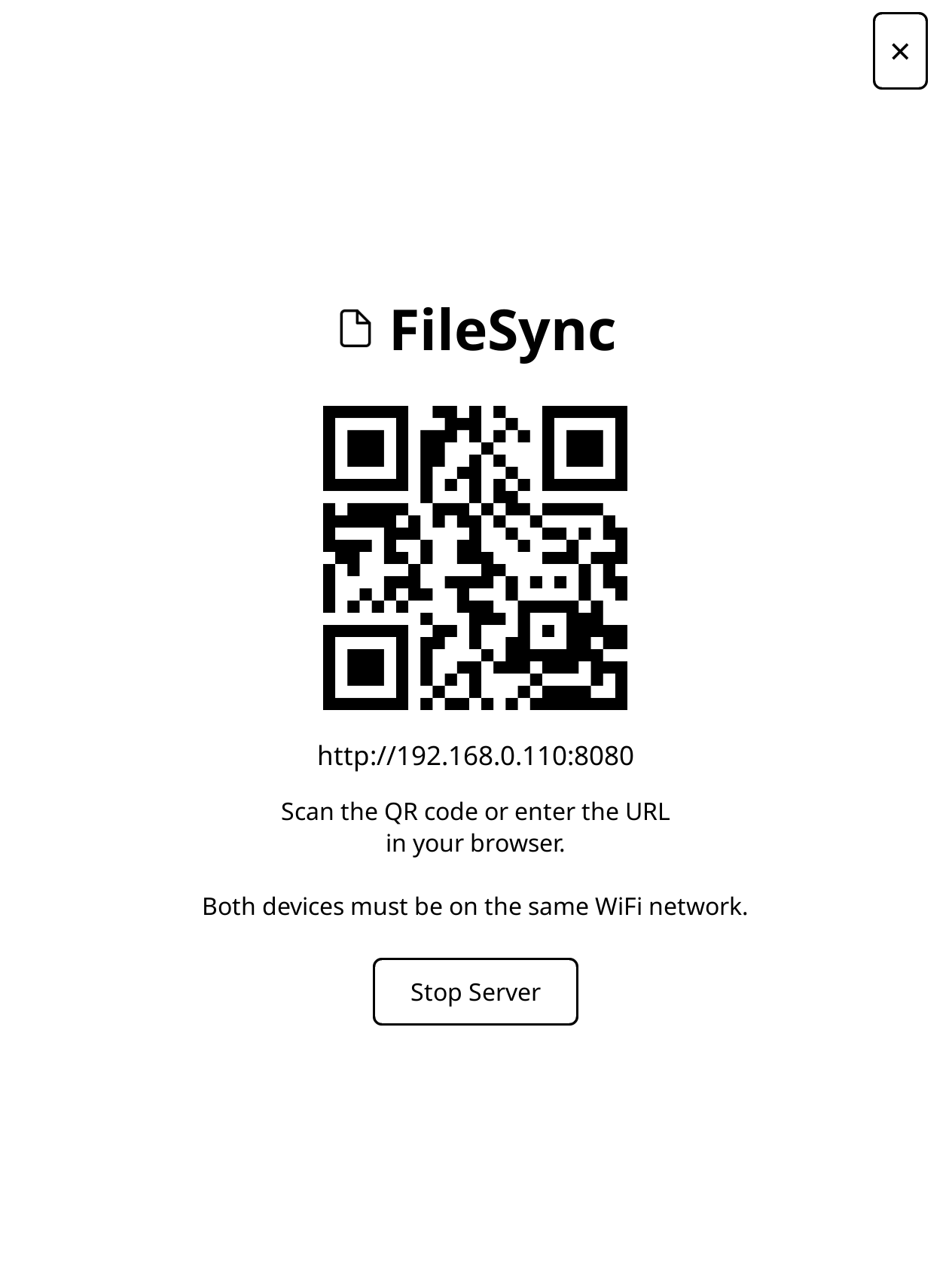
QR code on the e-reader
Scan to connect
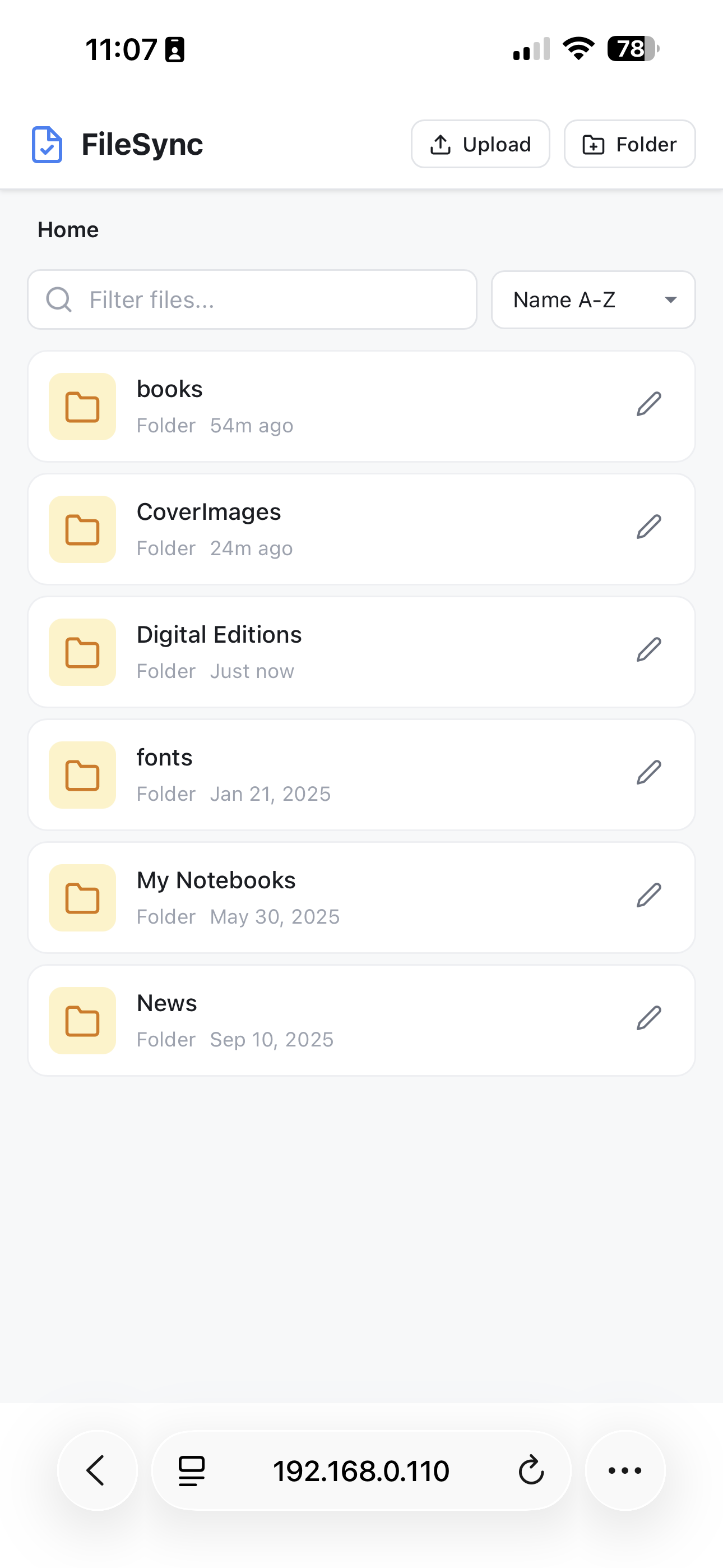
Library home
Library home
Browse on your phone
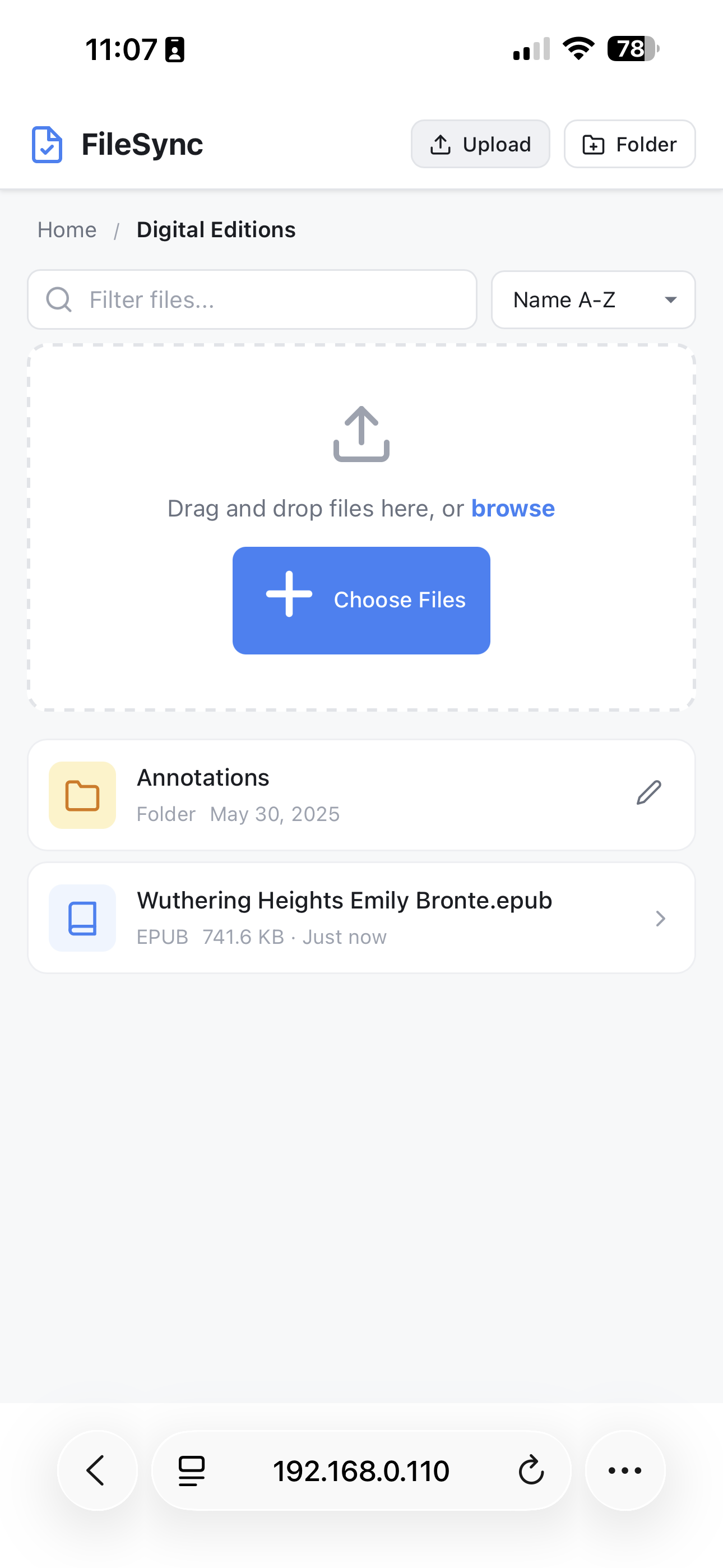
Drag and drop upload
Drag & drop upload
Multiple files at once
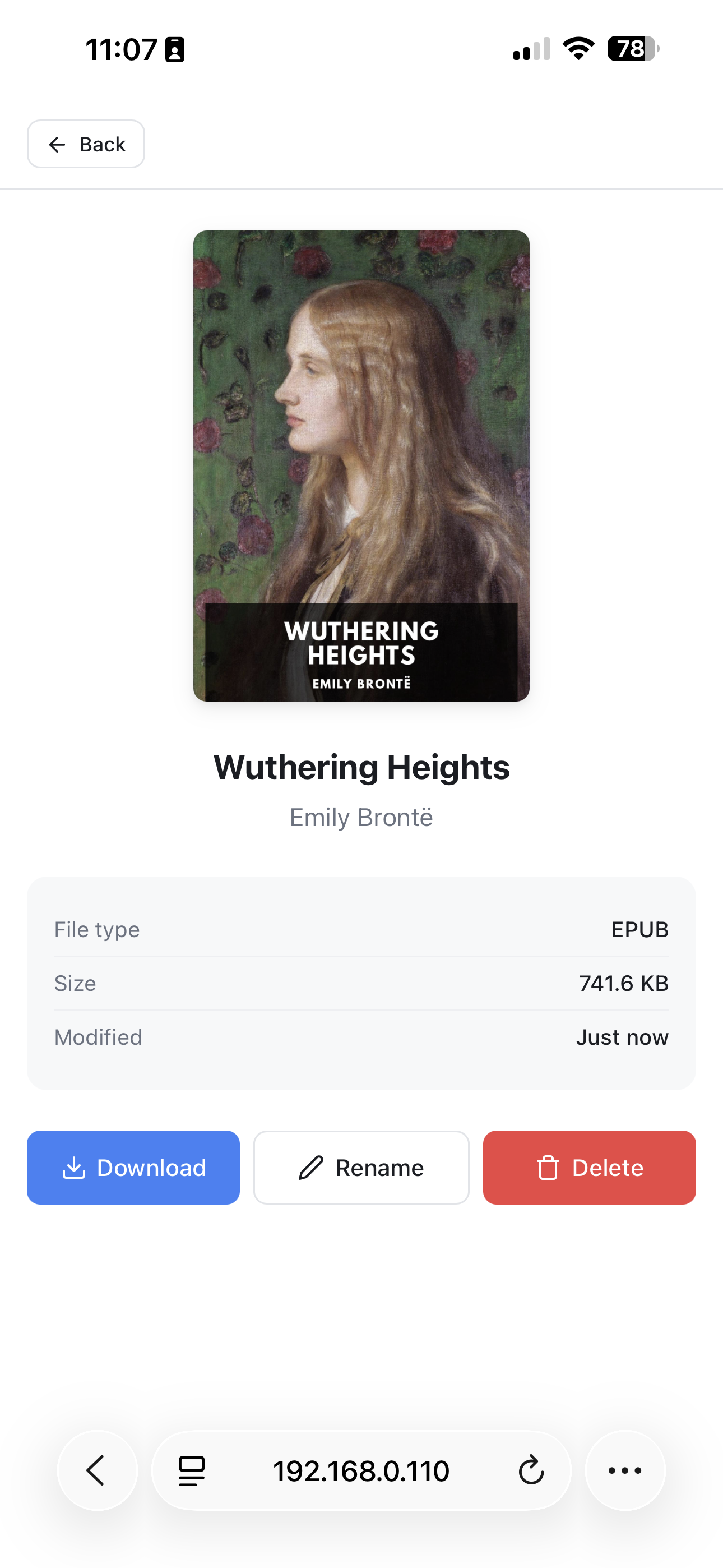
File detail view
File detail view
Download · Rename · Delete

Three minutes,
one folder copy.

You'll need KOReader installed on your Kindle or Kobo. Don't have it yet? Get KOReader →

LATEST RELEASE
Released ·
Download latest .zip
  1. 1
    Download the release
    https://github.com/abrahamnm/filesync.koplugin/releases/latest
  2. 2
    Find your KOReader plugins folder
    Kindle: /mnt/us/koreader/plugins/
    Kobo: .adds/koreader/plugins/
  3. 3
    Copy the folder & restart

    Drop the unzipped filesync.koplugin folder into the plugins directory, then restart KOReader. Open Network → FileSync → Start file server.

Honest answers.

Yes. Both devices just need to be on the same WiFi network. Files never leave your home — there's no cloud, no server, no account.

Free your library.

Open source. Free forever. No telemetry. Just a small Lua plugin and a web page that respect your reading.